
A Step-by-Step Guide to Using n8n as a SaaS Backend Solution

Introduction: The Potential of n8n for SaaS Backends
Understanding n8n's Role in SaaS Architecture
n8n is a low-code automation tool designed to create complex workflows that connect different services and APIs. Unlike typical PaaS solutions, n8n focuses on workflow orchestration, which makes it a great match as a backend engine for SaaS products needing flexible, event-driven automation. Its node-based design helps developers link external APIs, databases, and messaging platforms quickly.
Compared to larger cloud infrastructure providers, n8n speeds up product development by simplifying backend automation and reducing custom coding effort. Plus, being open source means you get full control over data and infrastructure — a huge advantage for SaaS apps with specific compliance requirements.
It is important to clarify the difference between SaaS and PaaS in this context: SaaS (Software as a Service) refers to delivering applications directly to end-users, while PaaS (Platform as a Service) provides a platform to build, deploy, and manage applications. n8n operates more as an extensible backend orchestration layer rather than a full platform for application deployment, allowing it to complement or integrate with PaaS solutions effectively.
Moreover, in modern SaaS architectures, n8n can serve as an integration and automation hub within a broader microservices ecosystem or a serverless environment. This allows you to orchestrate various backend components, automate cross-service workflows, and decouple business logic, making your SaaS more modular and maintainable.
Rapid Prototyping and MVP Development with n8n
The first step in using n8n for SaaS development is setting up your environment. Whether you’re self-hosting on a VPS or deploying with Docker, getting n8n up quickly lays the groundwork for your MVP backend workflows.
Start by building simple workflows for core SaaS features like user registration, authentication events, and database actions. n8n’s visual editor makes it straightforward to connect REST APIs, webhook listeners, and external services like payment gateways or CRM platforms, which really cuts your time to market.
For example, you might create a workflow where a new user signup on your frontend triggers a webhook that n8n listens to, which then validates the user's data, creates a database record, and sends a welcome email—completely automating an essential onboarding step without additional backend coding.
Keep your workflows lean but ready to expand as your product evolves. Include integrations for common SaaS tasks like invoicing, analytics, and notifications. Webhooks can capture frontend events and trigger backend actions automatically, so you avoid the hassle of building complex microservices from scratch.
Automating Key SaaS Workflows
n8n shines when it comes to automating those important yet repetitive SaaS processes. For customer onboarding, you can set up workflows that provision new accounts, send welcome emails, assign access permissions automatically, and even integrate CRM updates or analytics tracking.
Conditional logic nodes come in handy to tailor these actions based on subscription tiers, user roles, or custom attributes. For instance, premium users could receive targeted tutorial sequences or API key assignments through automated flows.
Keep your SaaS database and third-party tools in sync with n8n workflows, so there’s no manual work needed to maintain consistency. You can schedule data syncs, trigger updates on data changes, or reconcile discrepancies between multiple systems.
Build notification flows that trigger SMS, email, or chat messages based on user behavior or system events. For example, send payment reminders before subscription expiry or notify support teams of critical errors.
Subscription and billing automation also get easier thanks to n8n’s payment provider integrations. Workflows can update user statuses, renew subscriptions, handle failed payments with retries or alerts, and even automate refund processes if required.
Scaling Your n8n-Powered SaaS
As your SaaS grows, scaling backend workflows becomes a big focus. Start by analyzing workflow executions for bottlenecks or costly steps. n8n provides execution logs and metrics to help you identify long-running or error-prone workflows.
Consider adding queueing mechanisms or splitting workflows into smaller parallel branches to boost throughput and reduce latency. For example, batch processing user data asynchronously can improve responsiveness.
Make sure n8n has sufficient memory and CPU resources, especially when handling complex workflows or large data volumes. Running n8n in a clustered setup behind load balancers can improve availability and fault tolerance, allowing your SaaS backend to handle increased concurrent executions.
Integrate monitoring tools compatible with n8n to keep close tabs on workflow health, execution frequency, failures, and performance. Set up alerting for error spikes or system resource exhaustion.
Regular backups of workflow configurations, credentials, and execution states are essential to ease disaster recovery and reduce downtime risks.
Practical Applications and Use Cases
n8n’s flexibility is a great fit for many SaaS areas. For AI assistant apps, automate user data collection and trigger Natural Language Processing (NLP) model pipelines seamlessly. For example, capture user commands, enrich data with third-party APIs, and funnel outputs into chat interfaces.
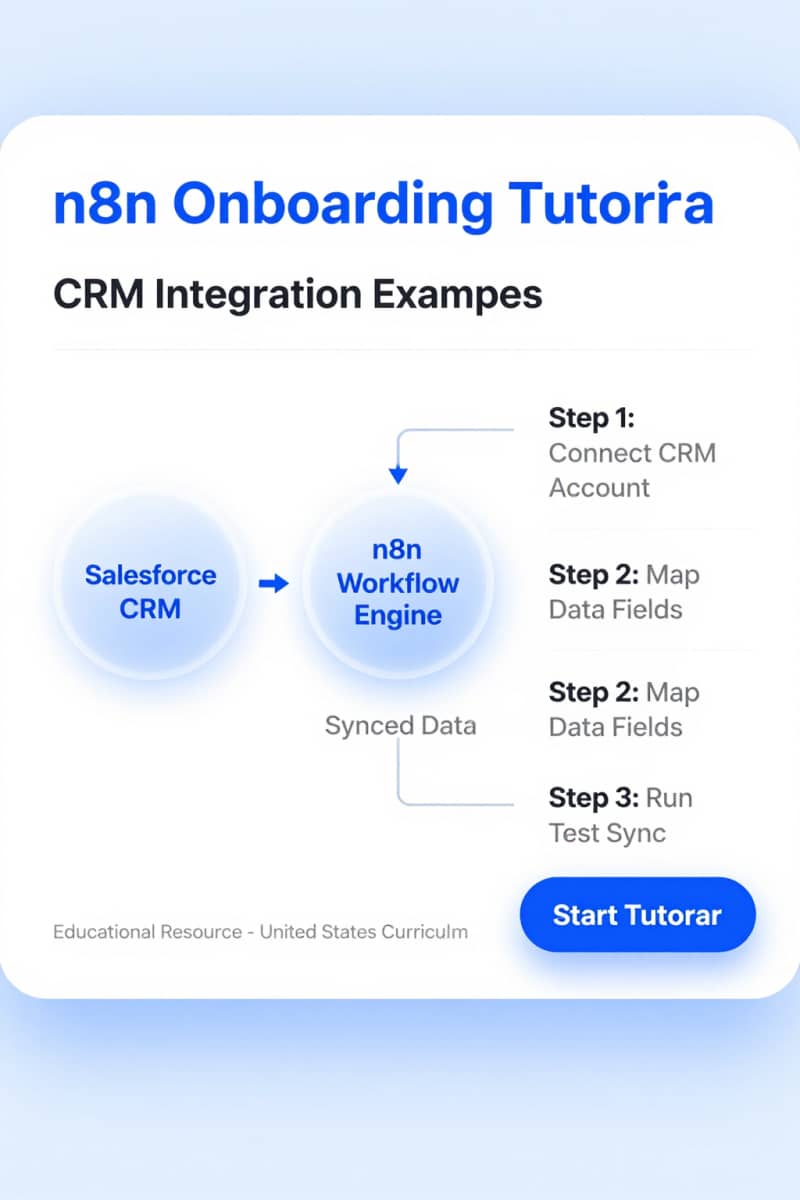
In CRM extensions, workflows can sync contact info, assign sales leads automatically based on predefined rules, generate custom reports, or automate follow-up sequences based on customer activity.
Security is super important here. Follow best practices like encrypting credentials within n8n using environment variables or secret management systems, applying role-based access control (RBAC) to limit user permissions inside n8n, and securing webhook endpoints with HTTPS and authentication tokens.
Audit logs and workflow run histories can be used to monitor changes, track who initiated workflows, and identify suspicious activity or errors for compliance.
Advanced Tips and Best Practices
Bring n8n workflows into your existing backend by exposing APIs that other microservices or frontends can call, using n8n as an orchestration layer to coordinate complex multi-step processes.
This gradual integration approach is useful for projects migrating from legacy systems or those wanting to add flexible automation without rewriting core services.
Use compatible monitoring tools and enable robust retry mechanisms, error handling, and alerting in your workflows. For example, implement try/catch patterns in n8n to handle failures gracefully and notify developers or support teams immediately.
Get familiar with n8n’s pricing model, especially if using managed cloud services, understanding how workflow execution counts, credential types, and additional add-ons impact costs. Self-hosting gives you more control over expenses but requires operational expertise to manage uptime, security, and updates.
FAQ
Q: Should I self-host n8n or use a managed service for my SaaS backend?
A: Self-hosting offers full control over infrastructure, data privacy, and cost optimization but requires DevOps skills. Managed n8n cloud services simplify deployment and maintenance with predictable pricing, ideal for smaller teams or faster time to market.
Q: How can I ensure high availability of n8n workflows in production?
A: Deploy n8n in a clustered or containerized environment with load balancing. Use retry nodes and error workflows to handle transient failures. Monitor resource usage and configure alerts to preempt issues.
Q: What security measures should I take when exposing n8n webhooks publicly?
A: Always use HTTPS endpoints, implement authentication tokens or API keys on webhook requests, restrict IPs if possible, and perform input validation within workflows.
Conclusion: Building a Lean and Scalable SaaS with n8n
n8n makes it possible for SaaS developers to quickly prototype, automate, and scale backend workflows without a lot of overhead. Adding n8n into your SaaS architecture brings flexibility, cuts down development time, and smooths operations needed for growth. For hands-on help with self-hosting and VPS deployment of n8n, check out Agents Manual (https://www.agentsmanual.com/). They offer thorough resources to guide you through technical challenges and help you make smart decisions during your SaaS journey.
More info: A Beginner's Guide to Self-Hosting n8n