
A Step-by-Step Guide to Using n8n for Free: Self-Hosting, Features, and AI Integration
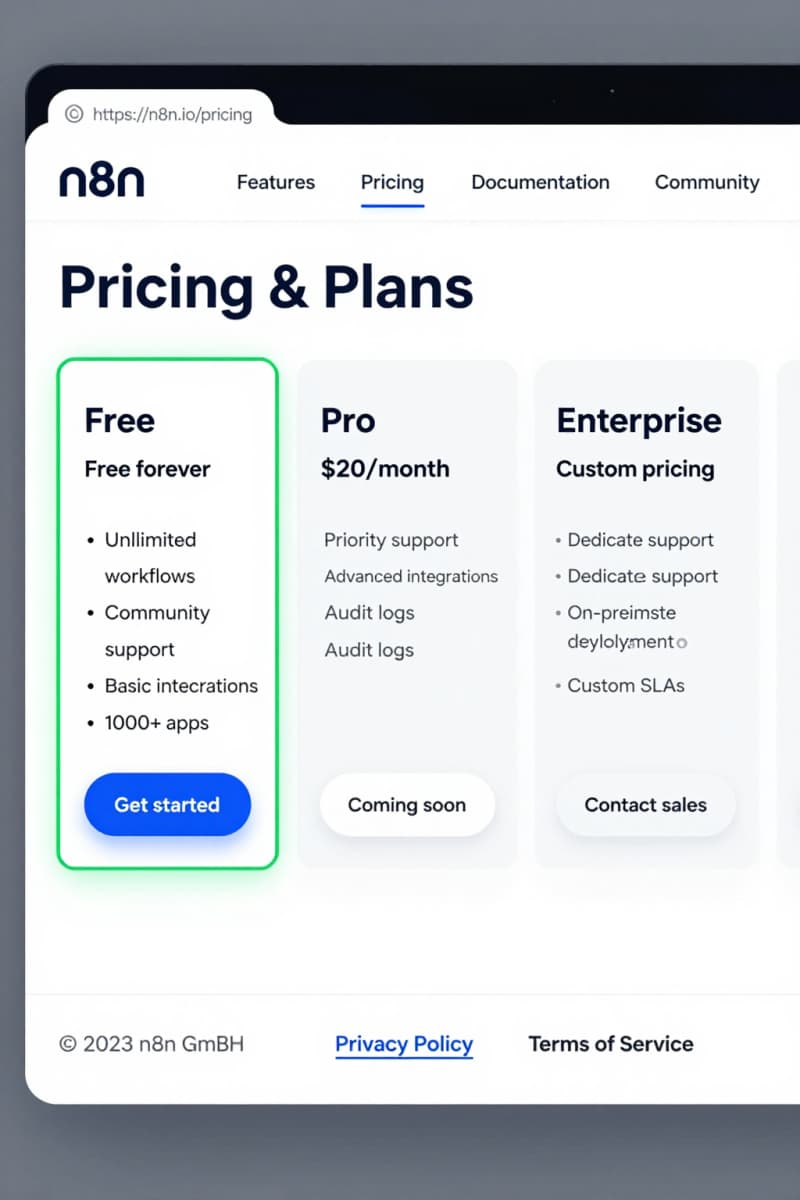
n8n has become pretty well-known as a versatile automation platform, but sometimes its pricing setup can feel a bit confusing. A lot of folks want to figure out how to use n8n without paying upfront subscription fees. Luckily, n8n does offer a genuinely free option through its open-source, self-hosted version. This guide will explain what “free” really means for n8n users and give you step-by-step instructions to set up and get the most from the platform without any cost.
What is n8n and Why is Self-Hosting Popular?
n8n is an open-source workflow automation tool made to connect various apps and services, letting users automate tasks with little or no coding. While n8n does have a cloud-hosted service with different pricing tiers, many people opt to self-host to avoid ongoing fees and keep full control over their data. Self-hosting basically means you run n8n on your own hardware or server, allowing you to use it indefinitely without subscription charges. This approach also means you have full control over your data privacy and security settings, since your workflows and credentials remain on your servers.
Distinguishing Between n8n’s Free Self-Hosted Version and Paid Cloud Trials
n8n’s cloud service offers a 14-day free trial under its Business plan so users can test managed features like premium support, enhanced security, and additional execution credits. After the trial period ends, continuing with the cloud-hosted service requires a paid subscription. On the other hand, the core n8n platform is fully open source and can be freely self-hosted on your own server indefinitely. The main thing to note is that while the software is free when self-hosted, you might still face indirect costs like infrastructure and maintenance. Additionally, some advanced features such as team collaboration tools and SLA-backed uptime guarantees are reserved for paid cloud plans.
Step-by-Step Guide to Self-Hosting n8n for Free (Using Docker)
To get started with n8n at no cost, you’ll need to set up a suitable environment, and Docker is a popular choice because it makes installation and management easier.
Step 1: Prepare a Server or VPS
Pick a server or virtual private server (VPS) that supports Linux. Providers like DigitalOcean, AWS, or your own hardware work well. Just pick a plan that fits your expected usage, remembering that any infrastructure costs are on you. Keep in mind that the server should meet minimum resource requirements (e.g., 1GB RAM minimum) for smooth operation, depending on the number and complexity of your workflows.
Step 2: Install Docker and Docker Compose
Docker is needed to run n8n in containers. Follow the official instructions to get Docker and Docker Compose installed on your server. These tools simplify managing dependencies and ensure n8n runs consistently.
Step 3: Create a Docker Compose File
Make a docker-compose.yml file that defines the n8n service. A basic setup includes the n8n container, opens the default port 5678, and sets up persistent storage for your workflows and credentials. Persistent storage is crucial so that your data is retained across container restarts.
Step 4: Start the n8n Container
Run docker-compose up -d to start n8n in detached mode. Make sure your server’s firewall or security groups allow access to the right ports (typically TCP port 5678).
Step 5: Access n8n in Your Browser
Open http://your-server-ip:5678 in a web browser to reach the n8n interface. From there, you can start building workflows right away.
This setup gives you a fully self-hosted n8n instance with no subscription fees, putting you firmly in control of your automation environment.
Navigating the True Costs of Self-Hosting n8n: Beyond “Free”
Although the software itself is free, there are other costs to keep in mind when self-hosting:
- Server or VPS fees: paying for hardware or cloud resources, which can vary widely depending on the provider and usage.
- Maintenance: the time and technical skills needed to update, troubleshoot, and secure your server and n8n instances.
- Backup solutions: extra tools or services needed to protect your data and workflows against loss or corruption.
- Internet bandwidth: depending on your usage and hosted location, this may affect costs and performance.
- Security management: implementing firewalls, SSL certificates, and regular updates to protect your automation environment.
Knowing about these factors will help you get a realistic sense of the total expenses and effort involved.
Feature Comparison: Free Self-Hosted n8n vs. Cloud Subscriptions
The free self-hosted n8n includes all the core workflow-building features you need for automation. However, paid cloud plans bring additional perks such as:
- Managed infrastructure with automatic setup, scalability, and maintenance
- SLA-backed uptime guarantees ensuring higher reliability
- Extra execution credits for handling heavy or frequent automation tasks
- Priority professional support and faster troubleshooting assistance
- Advanced collaboration features ideal for teams
- Additional security options such as enterprise-grade compliance
Many users find the free self-hosted version sufficient for intermediate to advanced automation needs, especially those comfortable managing their own infrastructure.
Unlocking Automation: Practical Uses of Free n8n
With the free self-hosted version of n8n, you can automate tasks such as:
- Syncing data between apps like Google Sheets, Slack, and Trello
- Monitoring emails and triggering actions based on their content
- Scheduling reports or notifications
- Integrating with APIs to create custom workflows
For example, you might set n8n to automatically update a spreadsheet with new customer data from a CRM or send Slack alerts when a specific event occurs.
This flexibility makes n8n a strong tool for boosting both personal productivity and business processes.
Integrating Free n8n with AI Tools for Advanced Workflows
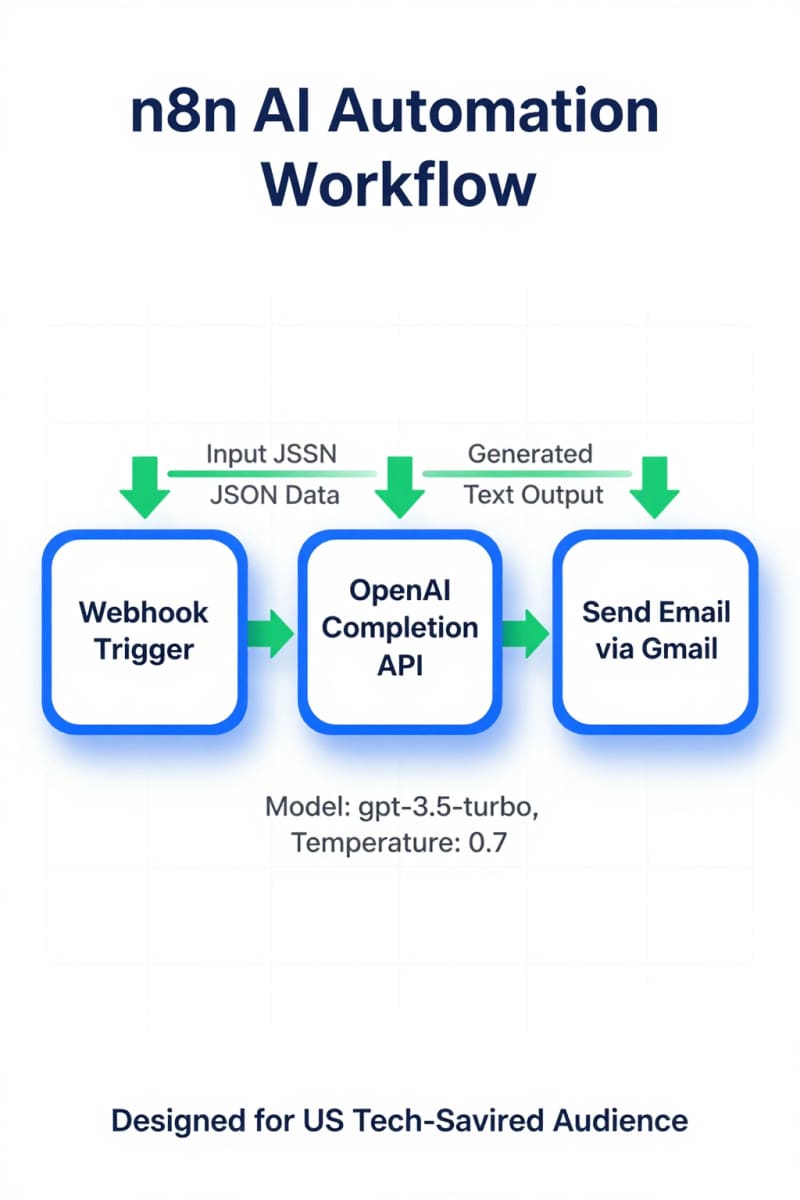
You can boost your free n8n workflows by adding AI services like OpenAI or other machine learning APIs. For example, you might automate data analysis by sending collected data to an AI model for insights, generate text content for marketing emails, or build smart chatbots that respond to customer queries through your workflows. The open-source platform supports these integrations natively via HTTP Request nodes or dedicated AI nodes, allowing you to create advanced and creative applications without extra charges.
When to Consider Upgrading to a Paid n8n Plan
If you’d rather avoid hosting hassles, need scalable infrastructure without managing servers, or want dedicated professional support, upgrading to one of n8n’s paid cloud plans can make sense. High-volume automations, mission-critical workflows, or collaboration features also might justify investing to ensure reliability, performance, and expert help.
FAQ: Clarifying Free n8n Self-Hosting Limitations
Q: Can I use all n8n features with the free self-hosted version?
A: The free, self-hosted version includes all core automation features, but some premium features like team management and SLA guarantees are reserved for paid cloud tiers.
Q: Do I need technical skills to self-host n8n?
A: Basic server management and Docker knowledge are recommended to ensure a smooth setup and ongoing maintenance.
Q: Is the free self-hosted version suitable for business use?
A: Yes, many businesses use it, but reliability depends on your infrastructure and maintenance practices.
Conclusion: Making the Most of Free n8n
n8n’s free self-hosted option gives users a great chance to take full control if they’re ready to manage their own infrastructure. By following the setup steps, knowing the related costs, and using AI integrations, you can build powerful automation workflows without paying subscription fees. For detailed guides and helpful advice on automating with n8n and related AI tools, check out Agents Manual. This resource breaks down complex ideas and helps users make well-informed choices.