
Top Free AI Voice Changers: A Practical Guide for Beginners and Intermediate Users
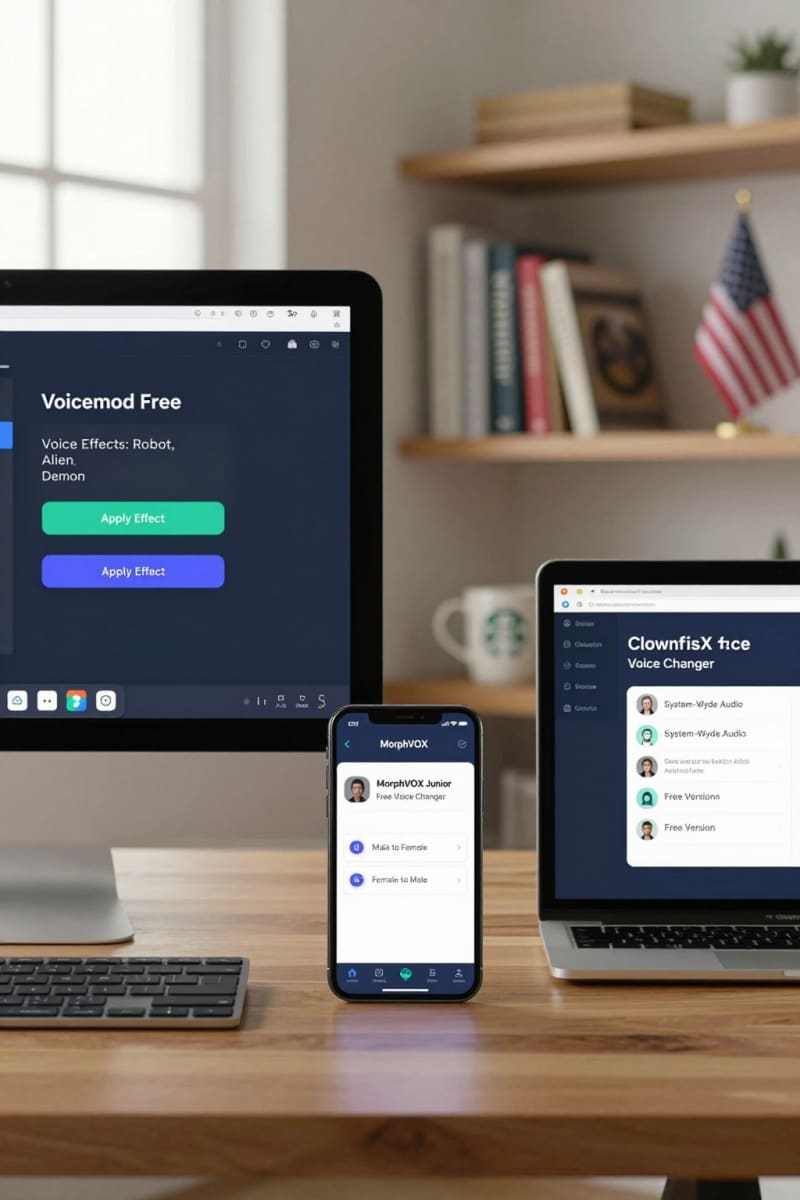
AI voice changers have gotten pretty popular lately for gaming, content creation, or just messing around. Free AI voice changers offer options that don’t cost anything upfront, but finding the right one can be tricky—especially if you’re a beginner in the United States. This guide points out truly free AI voice changers, covering their main features, platform compatibility, how easy they are to use, and privacy stuff so you can pick the best fit. It also touches on important ethical and legal considerations for responsible use.
What Makes an AI Voice Changer 'Free'?
Not all "free" AI voice changers work the same way. Some come with limited features or just trial versions, while others put watermarks on your voice or need you to subscribe for full access. A truly free AI voice changer gives you the main voice-changing features without sneaky fees or strict limits. However, many free versions have restrictions such as limited usage time, restricted number of voices or sound effects, and occasional ads. Knowing these limitations upfront helps avoid surprises. Also, some free tools only function fully on certain platforms or require internet connectivity, which may affect privacy.
Key Features to Look for in a Free AI Voice Changer
When you’re picking a free AI voice changer, think about the range of voice effects, sound quality, if it supports real-time voice modulation or just recorded clip editing, and whether it works on Windows, macOS, or mobile devices. Ease of installation and user-friendly interfaces are important, especially for beginners. Another crucial factor is how the app handles your voice data—does it process everything locally on your device, or does it send voice data to servers in the cloud? Clear privacy policies and transparent data handling practices help ensure your personal information is secure.
Top Free AI Voice Changer Tools (and What They Offer)
Below are some popular free AI voice changers with their features, pros and cons, and platform compatibility to help you choose.
Voicemod
Features: Voicemod is a well-known tool that offers real-time voice modulation with effects like robots, aliens, and gender swaps. Gamers and streamers really like it for interactive chatting.
Platform: Windows. Primarily for desktop gamers and streamers.
Ease of Use: Simple to use, works with lots of apps like Discord and Twitch, changes your voice live.
Cons: The free version only has a few voices and daily limits on use.Clownfish Voice Changer
Features: Clownfish lets you change your voice system-wide, so it works with any app that uses a mic. It offers presets like male, female, and child voices.
Platform: Windows. Good for general use across applications including calls.
Ease of Use: Easy to set up, free without limits, works everywhere on your system.
Cons: Basic look and not much in advanced options.iMyFone MagicMic
Features: MagicMic comes with lots of voice effects and background sounds, supporting live voice changes for streaming and calls.
Platform: Windows and macOS. Suitable for both beginners and intermediate users.
Ease of Use: Gets updated often, user-friendly, works with popular chat apps.
Cons: Free version limits how many voice effects you get and how long you can use.Voice.ai
Features: Voice.ai uses AI to give you high-quality voice skins and realistic voice changes.
Platform: Windows. Focused on users looking for natural voice transformation.
Ease of Use: Advanced AI tech for very natural voice shifts.
Cons: You have to create an account; free version limits some features.Voicery
Features: Voicery focuses on AI-generated realistic voices mainly for text-to-speech with some customization options.
Platform: Web-based. Ideal for creating synthetic speech rather than live voice changing.
Ease of Use: Makes natural-sounding, high-quality voices, great for voiceovers.
Cons: Free use is limited and better for recorded voice work.
How to Get Started with a Free AI Voice Changer (Step-by-Step)
Follow these steps to begin using a free AI voice changer safely and effectively:
- Pick a voice changer that fits the platform and what you need.
- Download and install it from the official site or try a browser-based one. Always verify the source to avoid malware.
- Set up your mic and adjust input/output settings.
- Explore and test the voice effects using your own voice. Try both recorded clips and real-time effects if supported.
- Use it live in gaming or record for making content.
- Check privacy policies and terms before you use it a lot, especially regarding data collection and sharing.
Important Considerations: Privacy and Data Security
Free AI voice changers often handle your voice either locally or on the cloud. Local processing means your voice data stays on your device, which can be safer but may limit advanced AI features. Cloud-based processing can offer higher-quality effects but may store or process your voice data on external servers. It’s important to read privacy policies so you know how your data is used and saved. Avoid tools that don’t clearly explain their privacy practices, especially if you’re using it for sensitive or professional purposes.
Legal and Ethical Aspects of Using AI Voice Changers
It’s important to use AI voice changers responsibly. Changing your voice just for fun is usually fine, but impersonating others or tricking people with altered voices can get you into legal trouble. Laws vary by region and may include restrictions on recording without consent or using fake voices for fraud. Ethical use also means respecting other people’s privacy and not using altered voices to deceive or harass. Stay informed about laws in your jurisdiction and use these tools transparently.
FAQ: Common Questions About Free AI Voice Changers
- Q: Can I use free AI voice changers for live streaming?
A: Many tools like Voicemod and MagicMic support real-time voice changing suitable for live streaming, gaming, or calls. Check if the software supports your streaming platform. - Q: Are free AI voice changers safe to use?
A: Safety depends on the specific tool’s data practices. Choose software with clear privacy policies that process data locally or securely in the cloud. Avoid software from untrusted sources. - Q: Is there a difference between real-time and recorded voice changing?
A: Yes, real-time changing modifies your voice as you speak, useful in conversations or live streams. Recorded changing lets you apply effects after recording for editing or voiceovers.
Conclusion: Choosing the Right Free Tool for Your Needs
Picking the best free AI voice changer means balancing features, ease of use, what platforms it works on, and privacy. Voicemod and Clownfish are great if you’re a beginner wanting real-time voice changing. Voice.ai and Voicery work well if you’re after advanced AI or text-to-speech stuff. For solid free options that respect your privacy and encourage ethical use, check out Agents Manual for detailed guides and tips on using AI tools safely.